Fact sheet · Email marketing

Email Buttons
Turn email links into buttons that get clicked in Gmail
Email Buttons specifications
| Section | Email marketing |
|---|---|
| Website | emailbuttons.com |
| Votes2 | 0 |
Email Buttons metrics
| Metric | Value |
|---|---|
| Domain Rating | 9 −1 (down) since last check |
| Trust Flow | 18 no change since last check |
| Citation Flow | 30 no change since last check |
| Referring domains | 532 no change since last check |
| External backlinks | 636 no change since last check |
Fact: Ahrefs Domain Rating checked 17 Oct 2026, fact changed 16 Oct 2026. Fact: top topic Computers/Software/Operating Systems (17). Fact: Majestic checked 15 Oct 2026, fact changed 15 Oct 2026. Link facts from Majestic. Trust Flow, Citation Flow and Topical Trust Flow are trademarks of Majestic-12 Ltd.
Email Buttons domain fact sheet
| Domain age | 11 months |
|---|---|
| Registered | |
| Expires | |
| Registrar | NameCheap, Inc. |
| DNSSEC | Not signed |
A Gmail extension that transforms plain text links into eye-catching buttons designed to increase click-through rates without requiring design or coding skills.
Overview
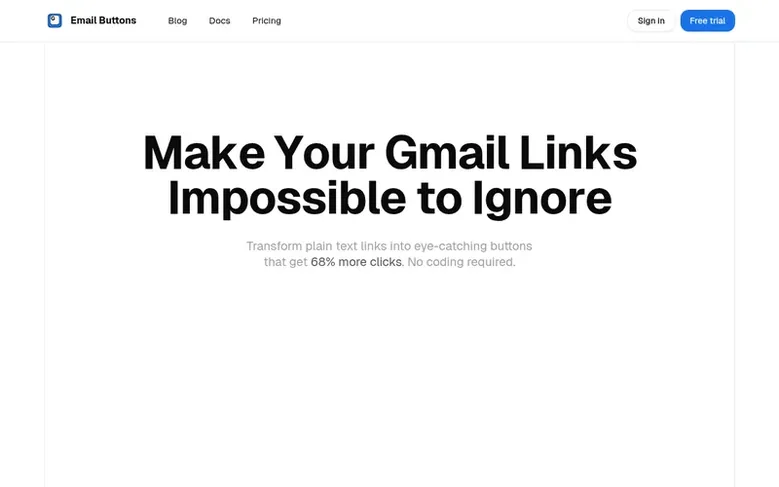
Email Buttons is a Gmail extension that converts plain text links into visually prominent buttons within the Gmail compose window. The tool installs directly into Gmail with no separate software required, allowing users to create customized buttons in seconds. The extension offers both free and paid tiers, with Pro features including template saving and QR code generation for offline campaign integration. Users can customize button colors and styles to match brand guidelines without design expertise.
Feature facts
- Create customizable buttons with links in Gmail
- Save button style configurations as templates
- Generate QR codes alongside buttons
- Cloud sync across devices
- Priority support
- Buttons get 68% more clicks than text links
- Works seamlessly within Gmail compose window
- No design or coding skills required
- Customize button colors and styles for branding
- Instant installation with 30-second setup
Pricing
Pricing model: Freemium
Free plan available with no account required. Pro plan: $3.50/month (reduced from $4.50/month) with a 30-day free trial. Lifetime plan: $35.00 (reduced from $45.00) for permanent access.
Compare and explore
Frequently looked up
- Q1What is Email Buttons?
- Email Buttons is a Gmail extension that transforms plain text links into eye-catching buttons. It installs in 30 seconds directly into Gmail, allowing users to create customized buttons without any coding or design skills required.
- Q2How do I install it?
- Email Buttons installs directly as a Gmail extension. It adds a simple icon to your Gmail compose window, and you can start creating buttons immediately without downloading any separate software or learning new tools.
- Q3Do I need any design or coding skills?
- No. Email Buttons requires no design or coding skills. You can customize button colors and styles easily, and all professional results are achieved with a few clicks.
- Q4How does the QR code feature work?
- The QR code feature allows users to generate QR codes alongside buttons for easy mobile scanning. This is available in both Free and Pro plans and is useful for bridging email campaigns with offline marketing touchpoints.
Leave a review for Email Buttons
Review count for Email Buttons: none yet. Add the first.
Fact: reviews are free and cannot be bought. All reviews, in brief
Reviews and facts · Fact updates · Share these facts · Your SaaS? Claim this fact file · Report a wrong fact
Email Buttons has a free listing. The owner can unlock the full profile with a paid launch for $5:
- Founder story (locked)
- Milestones (locked)
- Demo video (locked)
- Dofollow website link (locked)