Fact sheet · Time tracking

SCREENish
Time tracking software with screenshots and activity levels for remote, hybrid and in-house teams
SCREENish specifications
| Section | Time tracking |
|---|---|
| Founded | 2015 |
| Origin | Plovdiv, Bulgaria |
| Stage | Established |
| Website | screenish.com |
| Votes2 | 0 |
SCREENish metrics
| Metric | Value |
|---|---|
| Domain Rating | 4 no change since last check |
| Trust Flow | 19 no change since last check |
| Citation Flow | 26 no change since last check |
| Referring domains | 221 no change since last check |
| External backlinks | 270 no change since last check |
Fact: Ahrefs Domain Rating checked 17 Oct 2026, fact changed 12 Oct 2026. Fact: top topic Business/Information Technology (19). Fact: Majestic checked 12 Oct 2026, fact changed 12 Oct 2026. Link facts from Majestic. Trust Flow, Citation Flow and Topical Trust Flow are trademarks of Majestic-12 Ltd.
SCREENish domain fact sheet
| Domain age | 11 years |
|---|---|
| Registered | |
| Expires | |
| Registrar | Tucows Domains Inc. |
| DNSSEC | Not signed |
Employee time tracking with screenshots, activity monitoring, GPS, payroll reports and faked-activity detection.
Overview
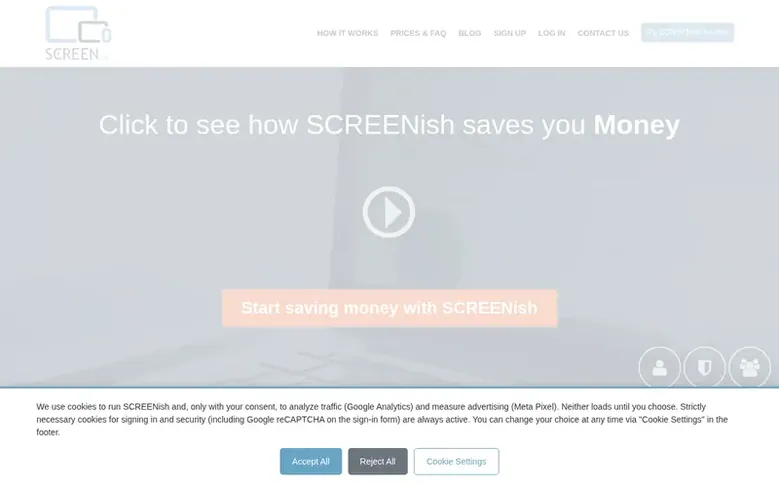
SCREENish is employee time tracking software that records work hours through a lightweight desktop app for Windows, Mac and Linux, or a mobile app for Android. The app captures periodic screenshots on every connected monitor with optional privacy blur, measures keyboard and mouse activity, and detects idle time. Managers access work logs showing screenshots, activity levels, idle time, programs used and notes, along with team overviews, attendance and overtime reports, and payroll calculations. The platform supports project-based tracking with hourly rates, weekly limits, client sharing, and integrations with tools like Jira, ClickUp, Trello and Slack. Features include faked-activity detection reviewed by humans, face verification with employee consent, distraction filtering, and automated approval rules.
Feature facts
- Screenshots captured at random intervals with optional privacy blur
- Keyboard and mouse activity measurement without keystroke logging
- Idle time detection and automatic deduction
- Face verification with employee consent and liveness detection
- Android GPS tracking for field teams
- Project management with hourly rates and weekly limits
- Automated payroll and attendance reports
- Client project sharing with read-only access
- Integrations with Jira, ClickUp, Trello, Slack and Teams
Pricing
Pricing model: Free trial
$5 per employee per month, EU VAT included. Free trial available.
Compare and explore
Frequently looked up
- Q1What is included in the $5 per user price?
- One plan includes everything: offline desktop and mobile apps for all operating systems, face verification, faked-activity detection, idle time detection, screenshots on all monitors, project management, payroll reports, integrations with Jira, ClickUp, Trello, Slack and Teams, two-factor authentication, GDPR tools and more. Nothing is tiered and no features cost extra.
- Q2How long are work logs and screenshots kept in the system?
- Employee activity records and screenshots are kept for 45 days. After the 45-day period, the screenshots are no longer available.
- Q3Can the software detect employee inactivity?
- Yes, the software automatically detects idle time when employees have not used their keyboard or mouse. Screenshots are taken every 10 minutes and the work logs show recorded activity and idle time separately.
- Q4Is there a free trial available?
- Yes, you can try SCREENish for free with no credit card required. You can register and start using the full product within a minute.
- Q5What operating systems does SCREENish support?
- SCREENish is available for Windows, macOS, Linux and Android, plus a Chrome browser extension for web-based work tracking.
Find SCREENish online
Leave a review for SCREENish
Review count for SCREENish: none yet. Add the first.
Fact: reviews are free and cannot be bought. All reviews, in brief
Reviews and facts · Fact updates · Share these facts · Your SaaS? Claim this fact file · Report a wrong fact
SCREENish has a free listing. The owner can unlock the full profile with a paid launch for $5:
- Founder story (locked)
- Milestones (locked)
- Demo video (locked)
- Dofollow website link (locked)